



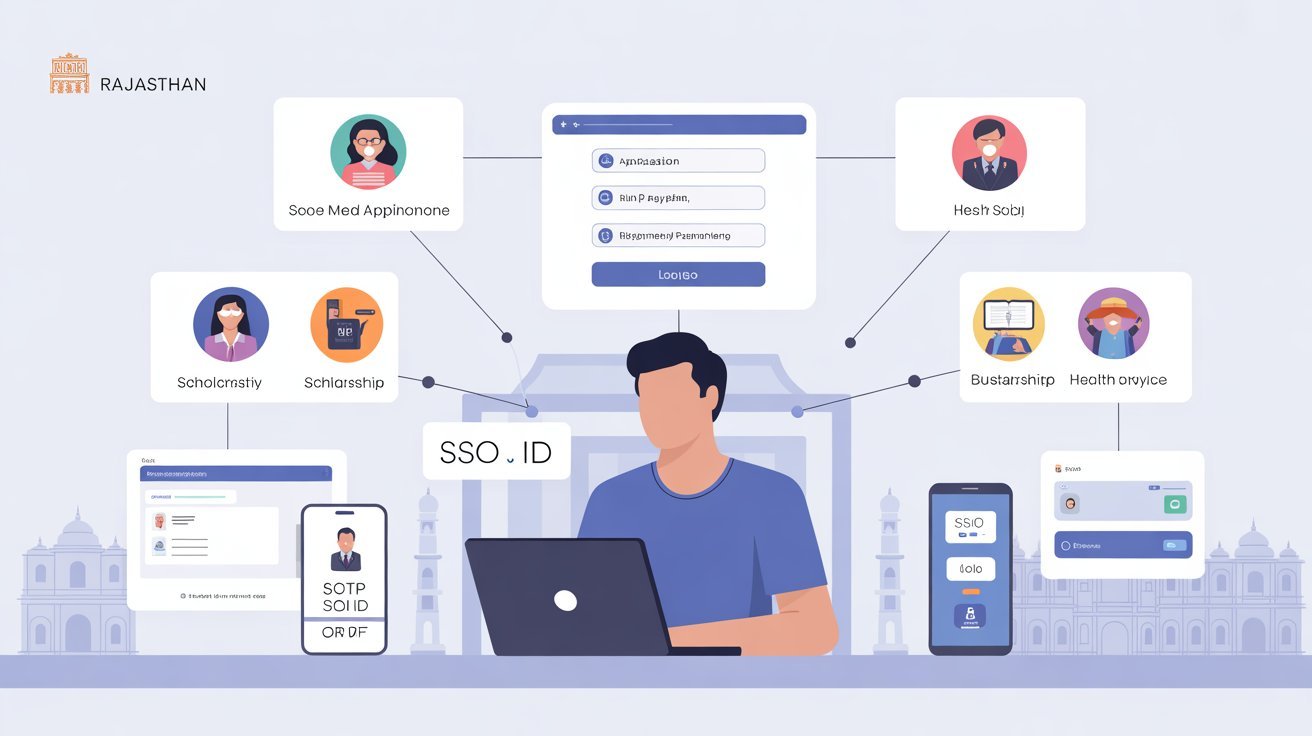
If you have ever tried to access a government service online in Rajasthan and found yourself creating yet another account with yet another password, you already understand the frustration this system was built to fix. The SSO ID, short for Single Sign-On Identity, is a free digital identity issued by the Government of Rajasthan that removes that friction entirely. One account, one login, and the door to over 150 government services swings open. In 2026, having an SSO ID is not just convenient — for most official processes in the state, it is essential.
This guide walks you through everything from understanding what the SSO ID actually is, to completing your registration, to logging in confidently for the first time.
What SSO ID Actually Is
Think of your SSO ID as a master key. Instead of carrying a separate key for every government department you need to deal with, this single credential works across all of them. Whether you want to apply for a government job, pay an electricity or water bill, track a scholarship application, or access health scheme details, the same login credentials get you there.
The system is managed by the Department of Information Technology and Communication under the Government of Rajasthan. It was first launched in 2013 as part of the broader Digital Rajasthan initiative, and over the years it has grown from a modest gateway into a robust platform covering departments from employment and education to taxation and business licensing. In 2026, the platform has become more streamlined than ever, with faster load times, cleaner navigation, and expanded service coverage.
Who Should Register
The short answer is: almost anyone who lives in or interacts with Rajasthan’s public systems. Residents of the state fall into three broad registration categories — citizens, business owners (referred to as Udyog), and government employees. Each category has its own registration pathway, but the core process follows the same logic.
Students benefit greatly from having an SSO ID because scholarship applications, college admissions, and examination fee payments are all processed through the same portal. Job seekers use it to apply for positions through RPSC and RSMSSB without juggling separate accounts. Business owners use it to handle registrations, licenses, and compliance filings in one place. Even senior citizens who need access to pension or welfare schemes can manage those applications entirely online through this single identity.
What You Need Before You Begin
Getting registered is a quick process, but having the right documents ready before you start will save you from interruptions midway. For citizens registering as individuals, you will need either your Jan Aadhaar number or a Google account for authentication. Your Jan Aadhaar is the preferred method since it ties your identity to the Rajasthan government’s own database and makes verification seamless.
You will also need a mobile number that is actively linked to your Jan Aadhaar, since an OTP will be sent to it during the process. Make sure the number is reachable and charged. Keep your email address handy as well, as it is used for account notifications and recovery. Business owners will need their Udyog Aadhaar or business registration details, and government employees will need their SIPF number and associated password.
The Registration Process, Step by Step
Open your browser and navigate to the official SSO Rajasthan Portal. The homepage is clean and straightforward, with two clear options visible: Login and Register. Since you are new to this, click on Register.
You will be presented with three user type options: Citizen, Udyog, and Government Employee. Choose the one that applies to you. For most residents reading this, Citizen is the correct choice.
Registering as a Citizen
After selecting Citizen, you will see two authentication options: Jan Aadhaar and Google. If you choose Jan Aadhaar, enter your Jan Aadhaar card number carefully and fill in the head of family details as prompted. Once you click Send OTP, a one-time password will arrive on your registered mobile number within a few seconds. Enter that OTP in the verification field and click Verify.
After successful verification, the system will ask you to create a username and password for your new account. Your username becomes your SSO ID, so choose something you will remember easily — most people use their name followed by a few digits. Your password should be at least eight characters and combine letters, numbers, and a special character. Confirm the password, agree to the terms, and click Register.
That is it. Your SSO ID is created instantly. You can now log in and access your personal dashboard.
If you prefer to register using a Google account, the process is even faster. Simply choose the Google option, sign in with your Gmail credentials, and the portal will use your verified email to set up the account. You will still be asked to create a username during this flow.
Registration for Business Owners and Government Employees
Business owners registering under the Udyog category will need to enter their Udyog Aadhaar number and verify their business details through an OTP sent to the registered contact. The process mirrors citizen registration but pulls business-specific information for the profile.
Government employees follow a slightly different path. After selecting Government Employee on the registration page, they are asked to enter their SIPF number and the password associated with it. Once that is verified, the SSO ID is generated and linked to their employee profile. This link is important because it allows them to access services like PayManager for salary slips and Shala Darpan for education-related records directly through the portal.
Logging In After Registration
Once your SSO ID exists, logging in is a matter of seconds. Visit the SSO Rajasthan Portal, click Login, and enter your username and password. You will also need to fill in the captcha code displayed on the screen. After clicking Login, you land on your dashboard — a central hub where every available service appears as a clickable tile.
From the dashboard, you do not need to log in again to switch between services. Clicking on a service tile opens it directly within the same session. This is the true value of single sign-on: zero repeated logins, zero time wasted.
What to Do If Something Goes Wrong
Forgetting your password happens to everyone. On the login page, there is a Forgot Password link just below the login button. Click it, enter your SSO ID, and choose whether you want the recovery OTP sent to your registered mobile number or email. Once you receive and enter the OTP, you are taken to a page where you set a new password. The whole process takes under two minutes.
If you have forgotten your SSO ID itself, the recovery option on the login page lets you retrieve it by entering your registered mobile number or email. For those who prefer SMS, you can also send the text “RJ SSO” to 9223166166 from your registered mobile number to receive your SSO ID directly.
Account lockouts after multiple failed login attempts are temporary. Waiting fifteen to thirty minutes before trying again usually resolves the issue without requiring any formal recovery steps.
Making the Most of Your SSO ID
Registration is just the beginning. Once inside the dashboard, explore the full range of services available to you. Pay outstanding utility bills without visiting any office. Apply for income, caste, or birth certificates with document uploads handled digitally. Track the status of any application you have submitted in real time. If you are a job seeker, all RPSC and RSMSSB exam applications, admit card downloads, and result notifications flow through this same account.
One feature worth knowing about is the One Time Registration system, commonly called OTR, which is integrated with the SSO ID. Through OTR, Rajasthan residents can complete a one-time profile submission and use it across multiple exam applications without re-entering personal details each time.
Keep your account secure by always logging out after using a shared or public device. Update your password periodically and never share your credentials with anyone, even if they claim to be from a government office. No official channel will ever ask for your SSO ID password.
The system has come a long way since its launch, and in 2026 it stands as one of the most practical examples of digital governance functioning well at a state level. If you are a Rajasthan resident who has been putting off the registration, there has never been a better time to get it done. It takes less than five minutes, costs nothing, and opens up a more efficient way to engage with every public service the state has to offer.