



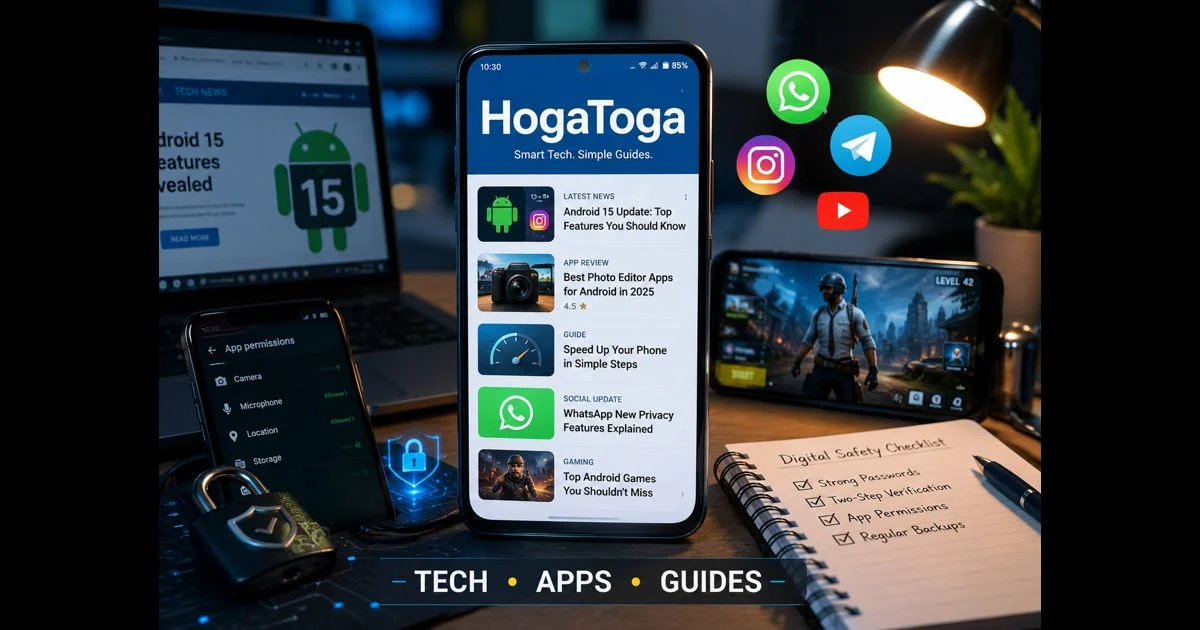
Technology affects everyday decisions long before it feels like “technology.” A new Android setting can change how private a phone is. A WhatsApp update can alter the way messages, calls, or groups work. An unfamiliar app may ask for permissions that deserve a closer look. A gaming update can introduce changes that players need explained clearly.
HogaToga covers these practical parts of the digital world through technology news, app reviews, smartphone guidance, social-media updates, gaming coverage, and easy-to-follow digital guides. The focus is not simply on reporting that something has changed. It is on explaining what the change means, who it may affect, and what a reader can safely do next.
Technology News With Everyday Relevance
Technology news is most useful when it connects an announcement to real use. A software update, a new phone feature, a platform policy, or a change in mobile connectivity can sound technical at first. The important details are usually simpler: whether a feature is available, how it works, which devices support it, and whether users need to change a setting.
Clear reporting should separate confirmed information from early reports or expectations. Product launches, feature rollouts, and platform experiments often vary by country, device, account type, or app version. Stating those limits helps readers avoid confusion and makes an article more useful after the first day of publication.
HogaToga approaches technology as part of daily digital life. That includes the phones people carry, the apps they use, the platforms where they communicate, and the online tools that shape work, entertainment, and personal privacy.
App Reviews That Look Beyond the Download Button
An app review should answer more than whether an app appears popular. Before installing an app, people need to know what it is designed to do, what kind of access it requests, whether its main features are free or paid, and whether there are practical limitations worth considering.
A careful review can examine areas such as:
- Core features and intended use
- Device compatibility and performance
- Permission requests and privacy considerations
- Advertising, subscriptions, or in-app purchases
- Whether the app has a clear and legitimate publisher
- Suitable alternatives when an app does not meet a user’s needs
No app is right for everyone. A photo editor may be useful for someone who wants quick templates but unnecessary for a user who prefers manual controls. A productivity tool may work well for small tasks but become restrictive for larger projects. Explaining those trade-offs gives readers a clearer basis for deciding.
For apps that involve payments, personal data, account access, or file downloads, caution matters even more. Readers should use official app stores where possible, review permissions before approving them, and avoid entering passwords or payment details into unfamiliar services.
Smartphone Guides for Problems People Actually Face
Smartphones are powerful, but many common issues are frustratingly small: storage fills up, battery life falls, an app crashes, notifications stop, a setting changes after an update, or a device becomes slower over time.
Practical smartphone guides turn these problems into manageable steps. A useful guide should explain why an issue may be happening before asking a person to reset settings or remove data. It should also clearly warn users when a step could delete files, sign them out, or affect saved information.
The strongest guides usually help readers with everyday tasks, including:
- Managing storage without losing important photos or chats
- Improving battery life through sensible settings
- Checking app permissions and notification controls
- Updating Android and apps safely
- Recognising suspicious links, downloads, and pop-ups
- Organising files, backups, and cloud storage
Good technology advice does not assume that every reader uses the latest phone or understands technical language. It gives clear instructions, explains any important terms, and leaves people with a safer way to manage their own device.
Social Media Updates Explained Clearly
Social platforms change quickly. Features appear gradually, settings move, privacy controls are redesigned, and policies can be updated without much notice. A simple announcement is not always enough for people who rely on WhatsApp, Instagram, YouTube, Telegram, Facebook, or other platforms every day.
Social-media coverage should explain the practical effect of a change. If a new feature is optional, readers should know where to find it and whether it can be turned off. If a privacy setting is important, the guide should state what it changes and what it does not change. If a feature is still being tested, that distinction should be clear.
This approach is especially valuable when advice concerns account security. Enabling two-step verification, reviewing linked devices, checking recovery details, and recognising impersonation attempts are small actions that can prevent larger problems later.
Gaming Coverage That Respects the Player’s Time
Mobile gaming is an active part of the technology ecosystem, especially where games receive frequent patches, new events, gameplay changes, and device-specific updates. Players often need reliable information about what has actually changed, when an update is available, and whether a new feature applies to their version of the game.
Useful gaming coverage can include update breakdowns, settings guidance, performance tips, event explanations, and device compatibility information. Topics such as AI-driven game balancing in Android games help readers understand how technology can shape gameplay without making the experience feel overly technical.
For readers deciding where and how they want to play, a guide to choosing the right gaming handheld console can also be more useful than a generic product list. It should avoid presenting rumours as confirmed news or encouraging unsafe downloads, unofficial modifications, or account-risking shortcuts.
The best gaming guides help players understand the game without creating unnecessary confusion. A clear explanation of a new mode, a changed setting, or an in-game event can be more valuable than exaggerated claims.
A Safer Way to Navigate Digital Life
The internet makes information available quickly, but speed alone does not make information dependable. Users benefit from pausing before downloading unknown files, granting permissions, entering login details, or following advice shared through unverified posts.
A few habits make a meaningful difference:
- Install apps from recognised official sources
- Keep the phone, browser, and apps updated
- Verify major news through primary announcements where possible
- Read permission prompts rather than approving everything automatically
- Use strong, unique passwords and two-step verification
- Back up important photos, documents, and messages regularly
- Treat urgent messages, prize offers, and account-warning links with caution
Technology should make life easier, not make people feel less in control. Clear reporting and practical guidance help readers make better decisions without needing to become technical experts.
Final Thoughts
HogaToga brings together technology news, app reviews, smartphone help, social-media updates, and gaming guidance around one useful purpose: helping everyday users understand the digital tools they use.
As platforms, apps, and devices continue to change, reliable explanations matter as much as fast updates. The most useful technology content is accurate, readable, honest about limitations, and focused on the decisions readers need to make.